Find

  • Reset your password

User account menu

  • Log in
Home
GAMEYAK - Play DOS Games Online!
Play Abandonware Preservation/Demos & Trial Games Online

Main navigation

  • Home
  • Action
  • Adventure
  • Educational
  • FPS
  • Puzzle
  • RPG
  • Racing
  • Random
  • SIM
  • Sports
  • Strategy

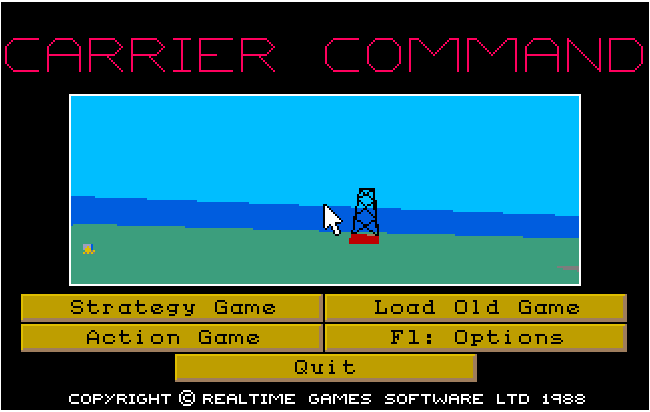
Carrier Command

❗ No gamepads detected. 🎮 Plug in and press a button to use it.
Carrier Command
1989
DOS
Microplay Software
Retail
Carrier.Command-Manual.pdf (8.14 MB)

To use the mouse, On the main menu press F1 to go to options, then press F2 for input device, then press 3 for Microsoft mouse then press E and F10 to return to main screen. Mouse should be working.

The Bard's Tale III: Thief of Fate

Twins in Trouble

Hollywood Hijinx

Il grande gioco di Tangentopoli

Paulie Python

SkyNET - Demo

Space School Simulator: The Academy

SimTown Gameplay

SimTown - Windows 95

Breadcrumb

  • Home
  • Carrier Command
All trademarks, logos, and brand names displayed on this website are the property of their respective owners and are not affiliated with GAMEYAK.com. Content from GAMEYAK.com may not be reproduced without permission
GAMEYAK ©2025 - Privacy Policy -  Terms of Use - DMCA